Independent device guidance

Know your gear. Keep it working.

Practical help for choosing, connecting, tuning, fixing, and keeping the electronics you use every day.

Checked guideOfficial manuals · standards · field reports
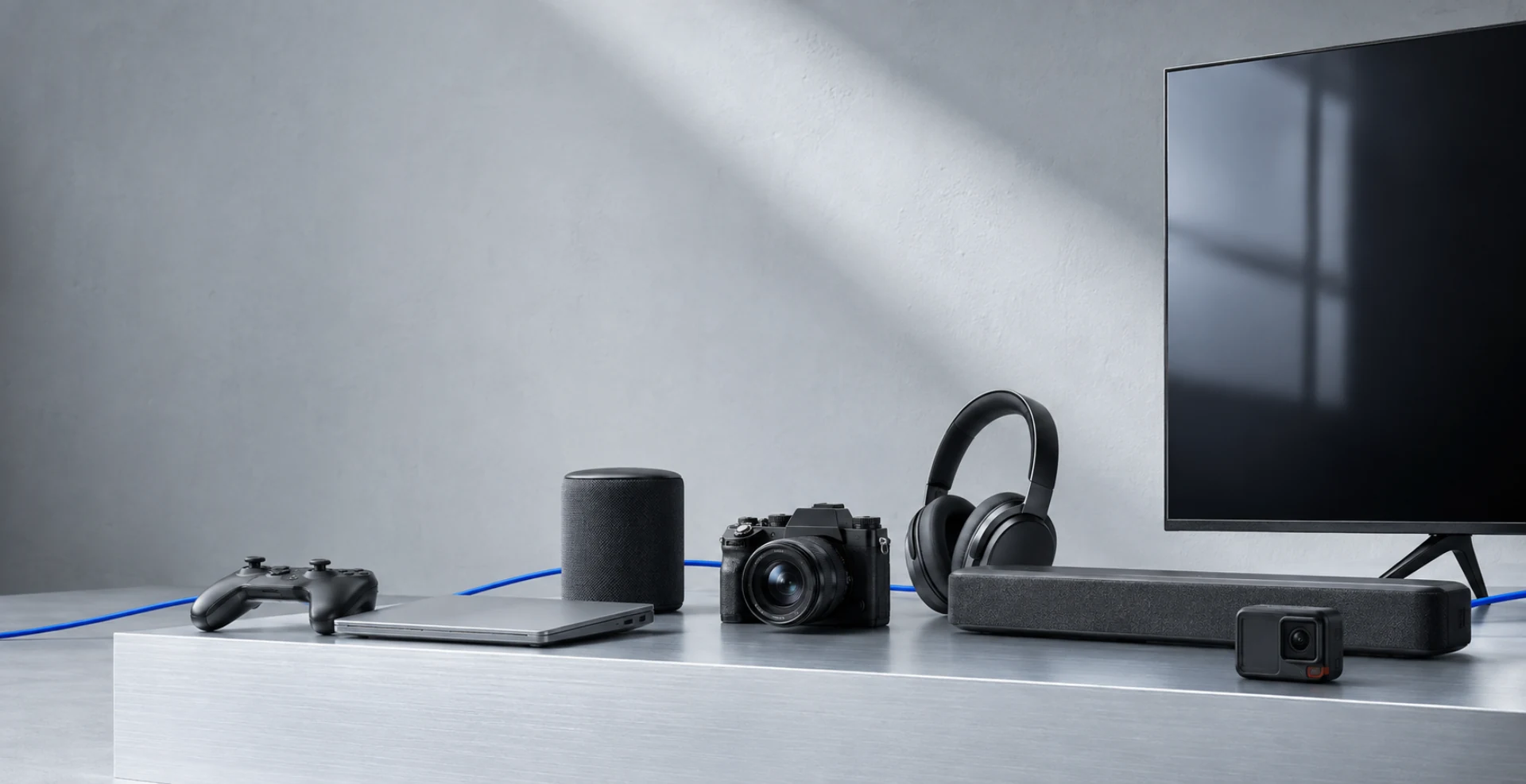
A television, soundbar, mesh router, controller, headphones, and laptop arranged as one connected system
System viewTV · audio · network · controller · computer
A cutaway connection path showing HDMI, optical, Ethernet, USB-C power, and USB-C ports
Evidence pathPort identified · cable requirement checked · signal path confirmed

Watch & Listen

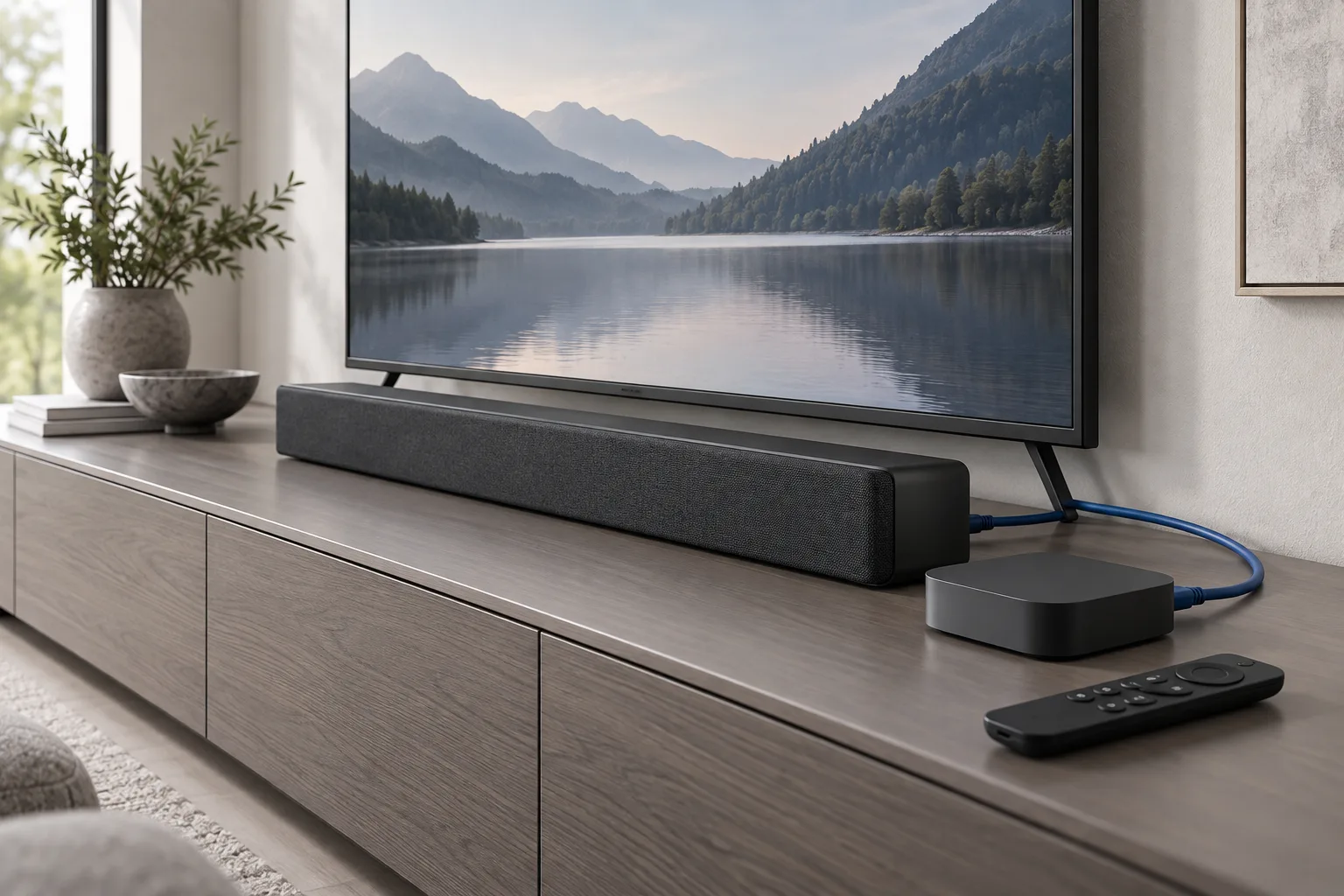
Set up TV audio the right way.

Start with the correct HDMI port, then verify eARC, CEC, pass-through, and the sound format at both ends.

Read the connection brief
Television and soundbar in a home setup

Connected Home

Diagnose the network before resetting everything.

01Internet02Router03Device

Test the path in order. A camera, TV, or speaker dropping offline does not automatically mean the device is faulty.

Open the diagnostic path

Explore GearCurrent

Six themes. One ownership guide.

Browse by the equipment you use. Every theme includes setup, compatibility, troubleshooting, maintenance, and change tracking.

01

Watch & Listen

Get the right picture, sound, and playback experience.

  • TVs & projectors
  • Streaming devices
  • Soundbars & home audio
  • Headphones & earbuds
  • Home theater connections
02

Connected Home

Build a stable, secure home where devices work together.

  • Wi-Fi & mesh
  • Speakers & hubs
  • Cameras & doorbells
  • Lights, sensors & locks
  • Home robots
  • Matter, Thread & platforms
03

Personal Tech

Keep daily devices charged, synced, private, and useful.

  • Phones & tablets
  • Watches & fitness trackers
  • E-readers & digital notebooks
  • Portable audio
  • Charging & power
04

Computing

Connect the desk, protect the work, and upgrade with purpose.

  • Laptops & desktops
  • Monitors & docks
  • Storage & backup
  • Keyboards, mice & input
  • Printers & scanners
05

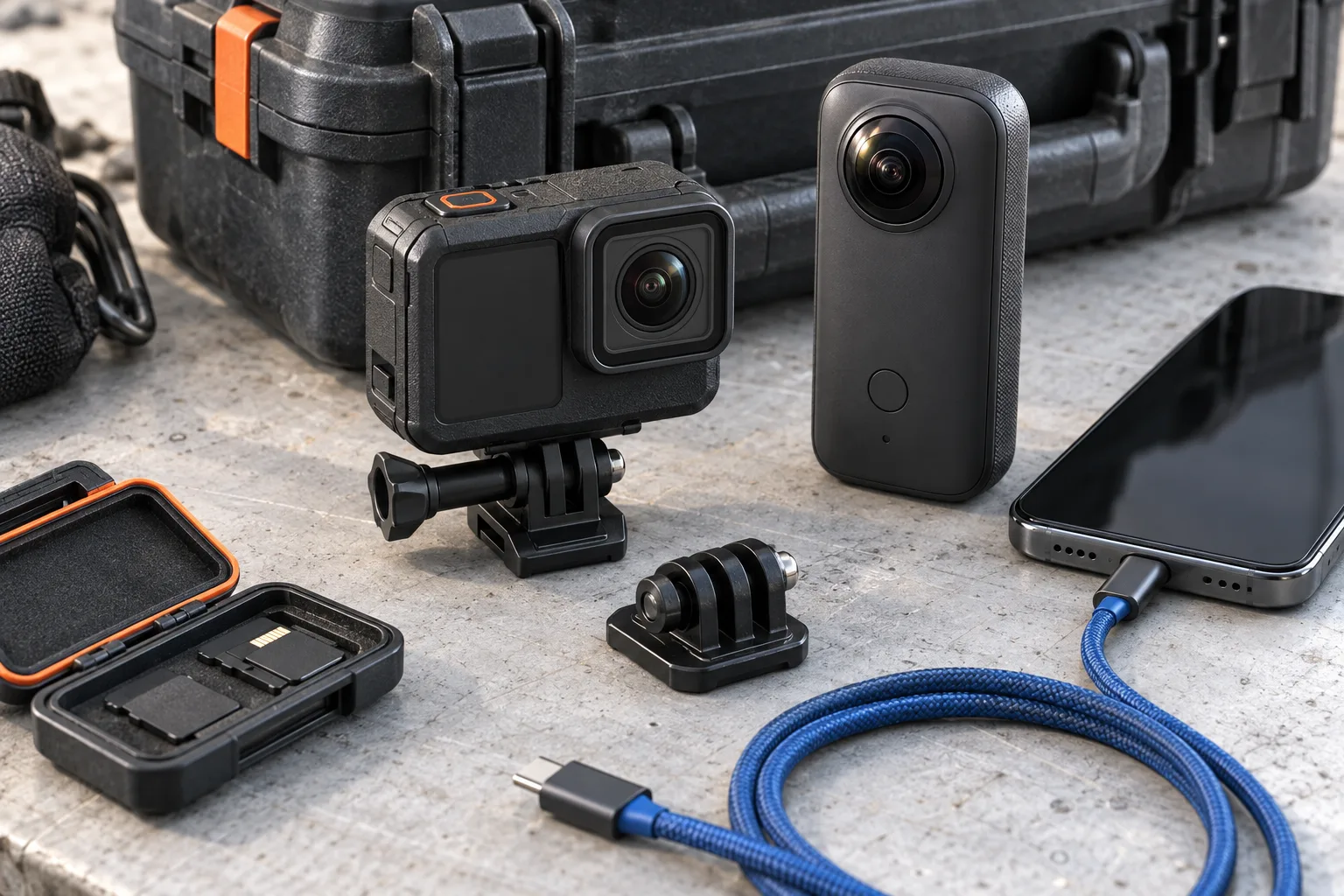
Capture & Explore

Shoot, fly, record, transfer, and protect field equipment.

  • Cameras & lenses
  • Action & 360 cameras
  • Drones
  • Gimbals & stabilizers
  • Field audio
  • Mounts, storage & power
06

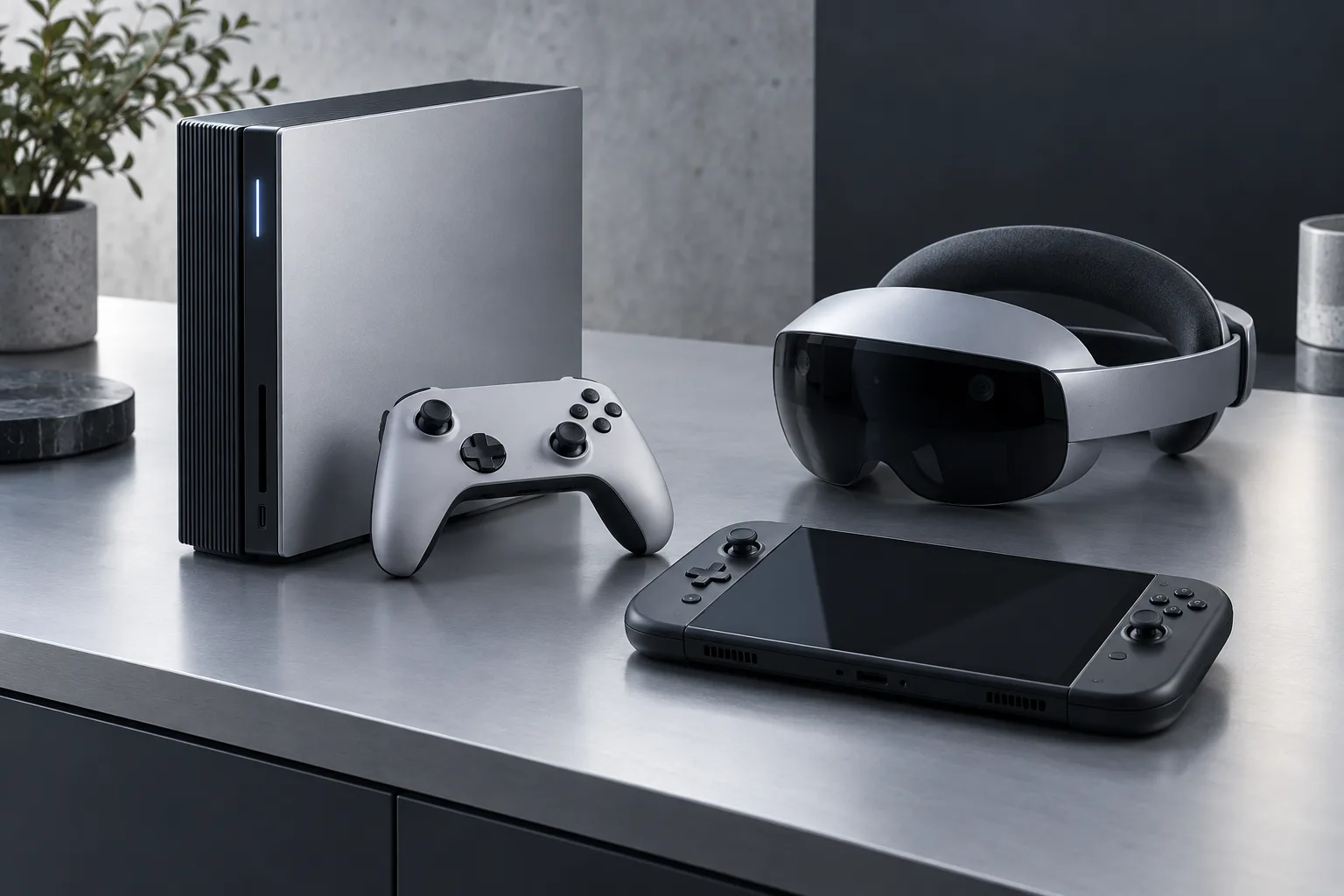
Play

Make consoles, displays, controllers, and headsets perform.

  • Consoles
  • Handhelds
  • Controllers & headsets
  • Gaming displays
  • VR & spatial devices
  • Capture & streaming

Every topic, the same useful path

From first setup to the final upgrade decision.

Start hereIdentify and begin
Set it upConfigure and tune
Works withCheck compatibility
Fix itDiagnose the symptom
Keep or replaceRepair or upgrade
What changedUpdates and deadlines

How we check

A useful answer includes its limits.

  1. 01SourceManuals, support records, standards, and direct observations.
  2. 02ScopeExact models, regions, versions, ports, and accessories.
  3. 03ConditionsWhat was connected, enabled, changed, and ruled out.
  4. 04Change recordWhat changed, when it was rechecked, and what remains uncertain.

Reader signal

Help shape the next useful guide.

Suggest a device, connection, failure, or update that deserves a carefully checked answer.